Scan your site for trackers
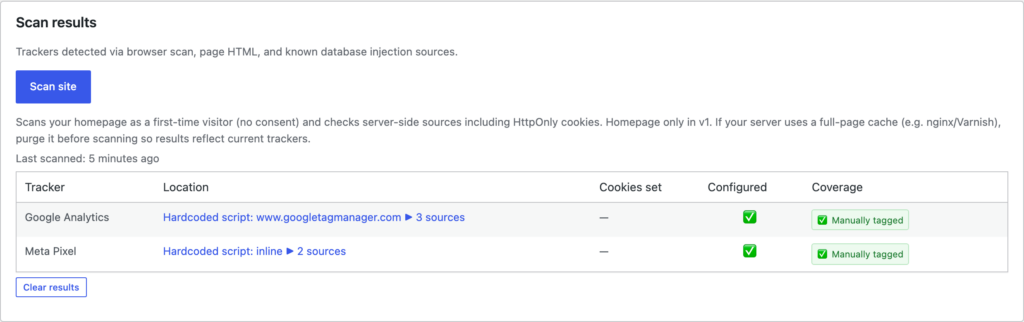
The scanner loads your site the way a browser does and reports the scripts and cookies it finds, so you can see what’s actually running and check that the things you care about are gated.
Run a scan
Go to Settings → ClearConsent → Scan and start a scan. ClearConsent fetches your pages and lists the trackers it detects.
Read the results
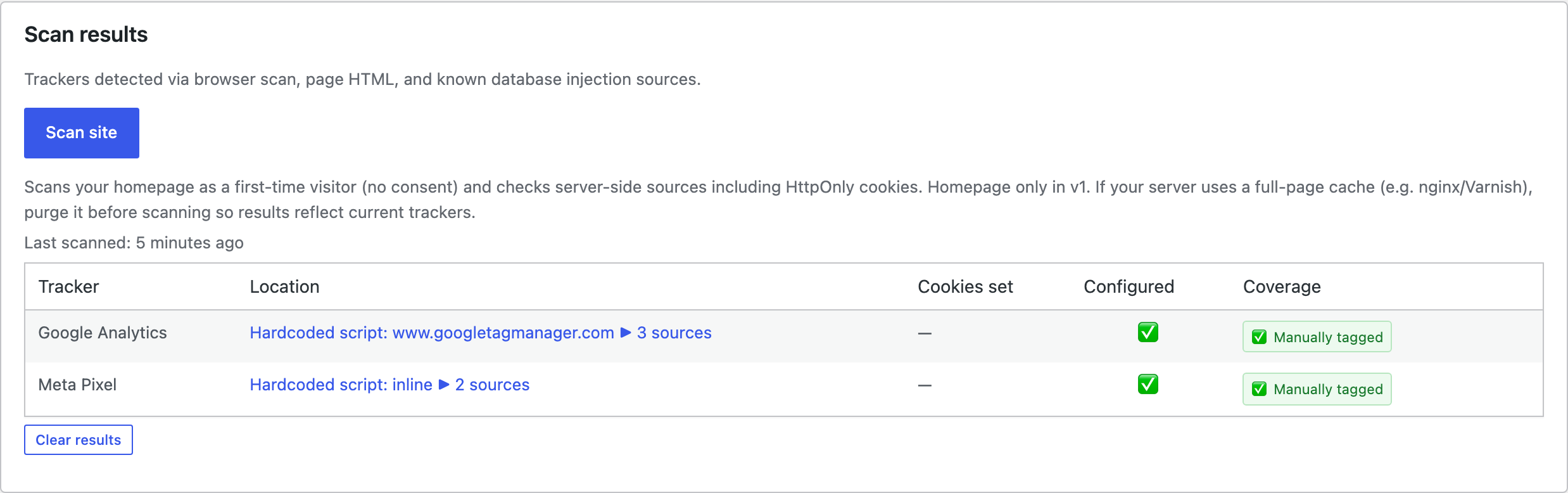
Each detected item shows two things:
- Configured — whether you’ve added a matching service in ClearConsent.
- Coverage — whether ClearConsent can recognise and hold it. Some trackers are set by your host or by another tool in a way the scanner can detect but ClearConsent can’t gate directly.
Use the list to spot anything running unconfigured, then add a service and tag it (or hand it to Script Manager).
Host-managed cookies
Some cookies are set by your hosting platform or CDN (for performance, security, or load-balancing) rather than by your site’s code. The scanner may surface these so you’re aware of them, but ClearConsent can’t remove cookies it doesn’t control. Check your host’s documentation to understand what those cookies do.