Enable Google Consent Mode v2
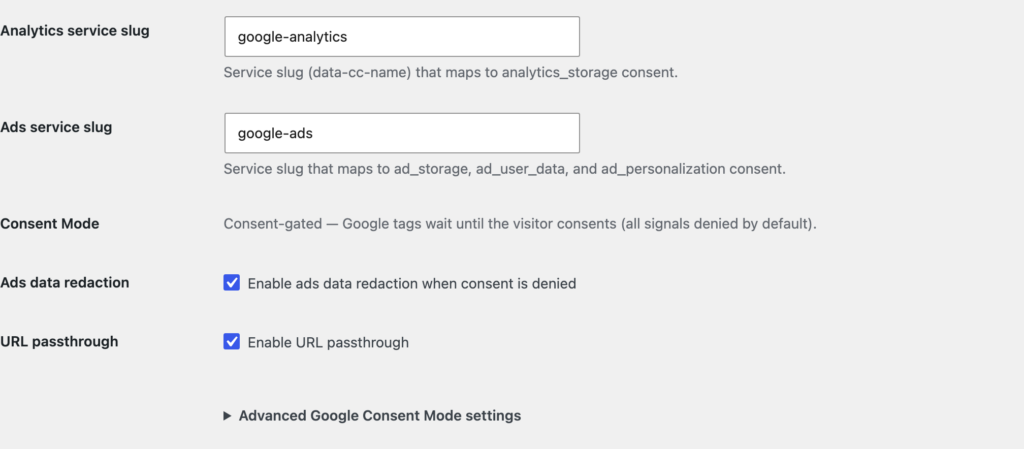
Google Consent Mode v2 lets ClearConsent tell Google’s tags whether a visitor has consented. This is useful if you run Google Analytics, Google Ads, or Tag Manager and want those tags to respect the choice made on your banner.
Turn on Consent Mode
Go to Settings → ClearConsent → Google Consent Mode and enable it. ClearConsent writes the consent-mode defaults into the page before Google’s tag loads.
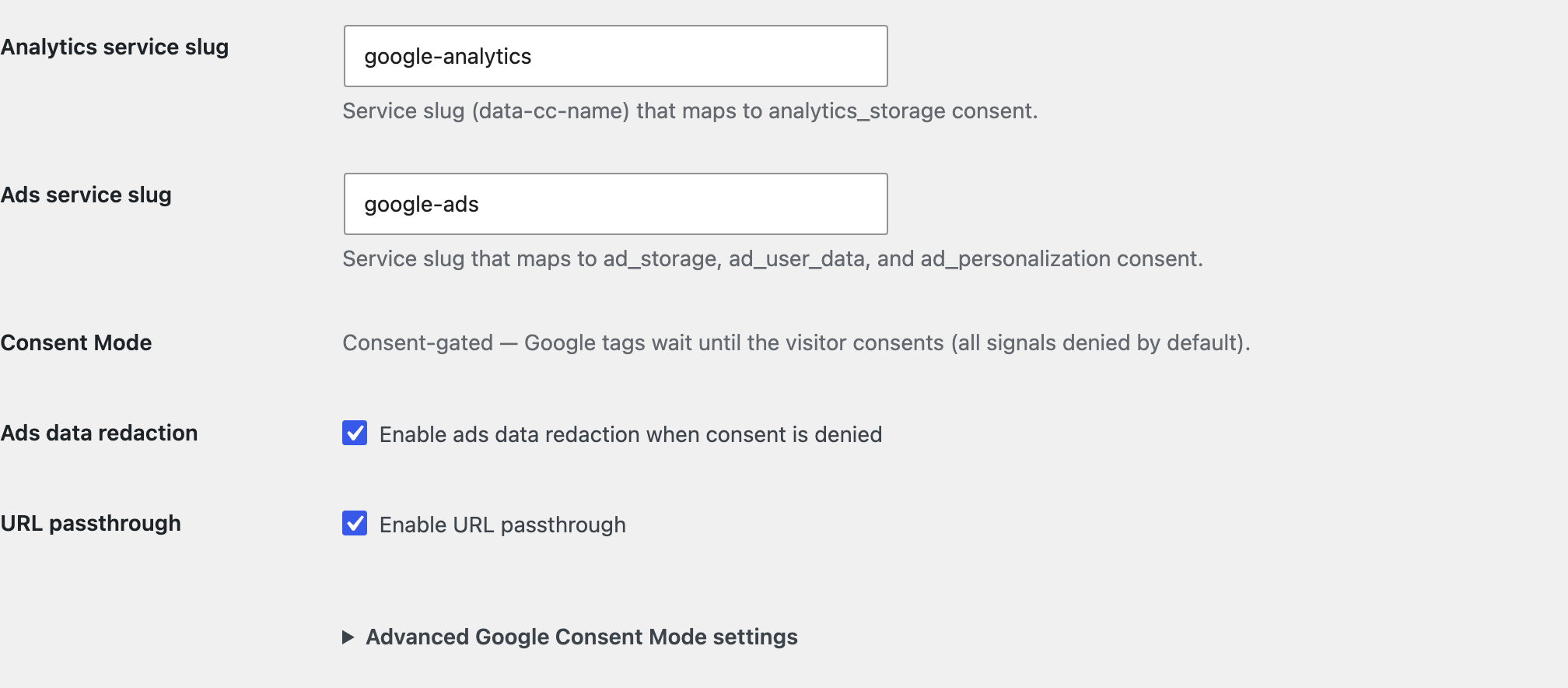
What “consent-gated mode” means
ClearConsent runs Consent Mode in a consent-gated way: all v2 signals start denied by default, so Google’s tags wait for consent before reading or writing cookies. When a visitor consents, ClearConsent sends an update that grants the matching signals; if they refuse, the signals stay denied.
Map signals to your services
The v2 signals line up with the categories you already use:
analytics_storage— granted when the visitor consents to your analytics service.ad_storage,ad_user_data,ad_personalization— granted when they consent to your advertising/marketing service.
Make sure the services you added (see Add and configure services) are in the right categories so the signals reflect what the visitor actually agreed to.
Optional settings
You can enable ads data redaction (Google redacts ad identifiers while consent is denied) and URL passthrough (Google passes basic measurement information through URLs instead of cookies while consent is denied). Both are Google features that ClearConsent simply switches on for you.
Consent Mode reports the choice your visitor made; it doesn’t decide what that choice should be, and turning it on doesn’t by itself make a site compliant. How you configure your services and banner, and what your local rules require, is up to you.