Manage consent across a multisite network
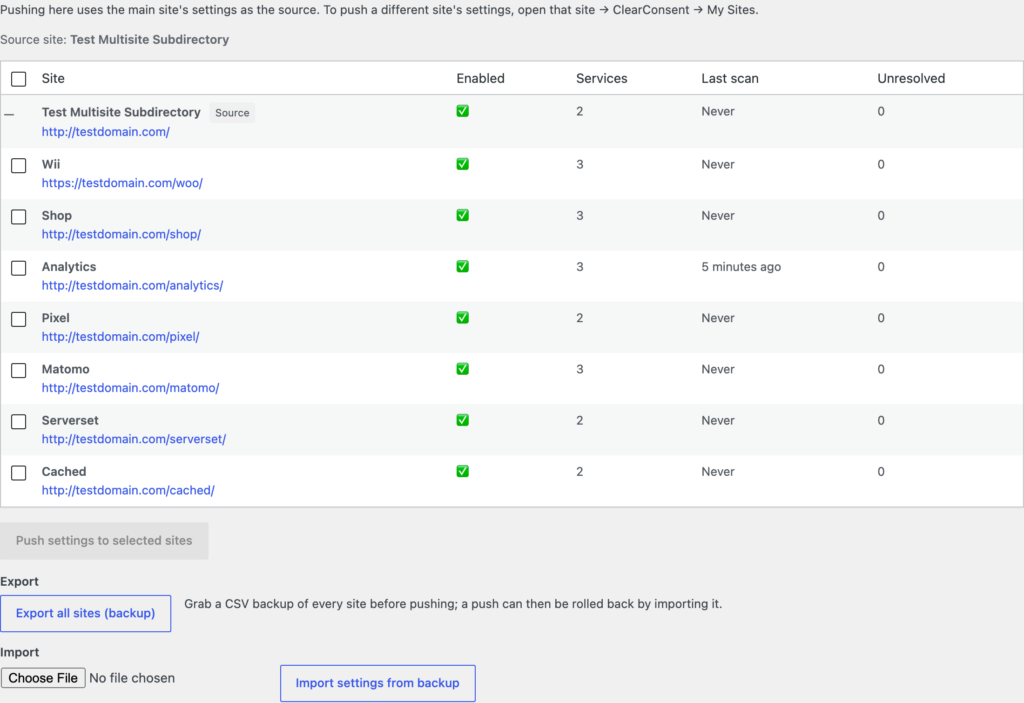
If you manage several sites, the My Sites view lets you see them together and push a known-good configuration out to them, instead of setting each one up by hand.
Open My Sites
Go to Settings → ClearConsent → My Sites. Each site shows its current status at a glance, so you can tell which ones are set up the way you want.
Push a configuration
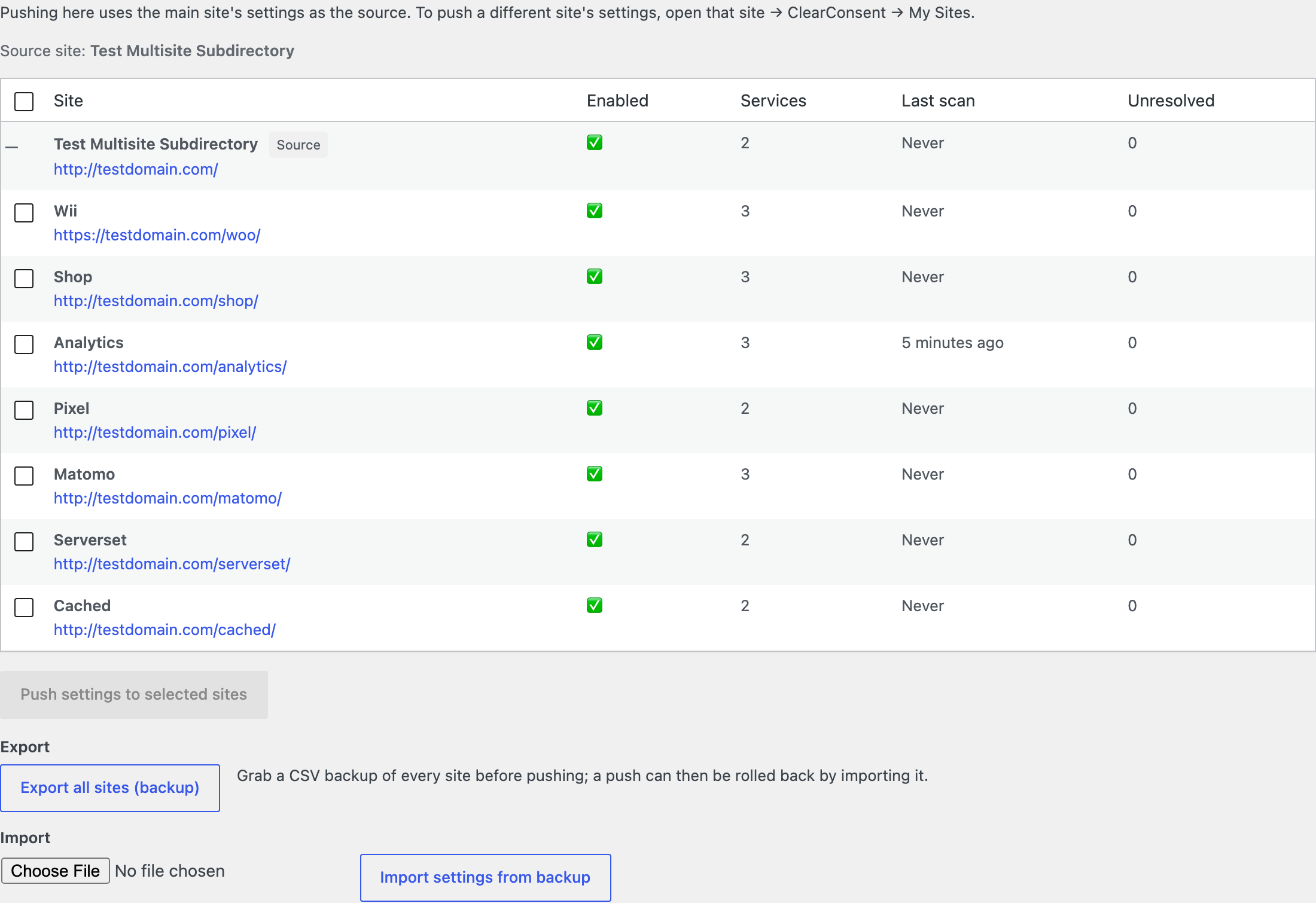
Set one site up the way you like, then push that configuration to the others. ClearConsent asks you to confirm before it pushes, so you don’t overwrite a site by accident.
Export and import settings
You can export a site’s ClearConsent settings — including services and geo rules — to a CSV file, and import that file into another site. This is handy for backups and for setting up a new site from a template you already trust.
Each site keeps its own consent
Pushing settings copies configuration, not visitors’ choices. Every site keeps its own consent records and its visitors’ saved preferences.