Style the banner to match your brand
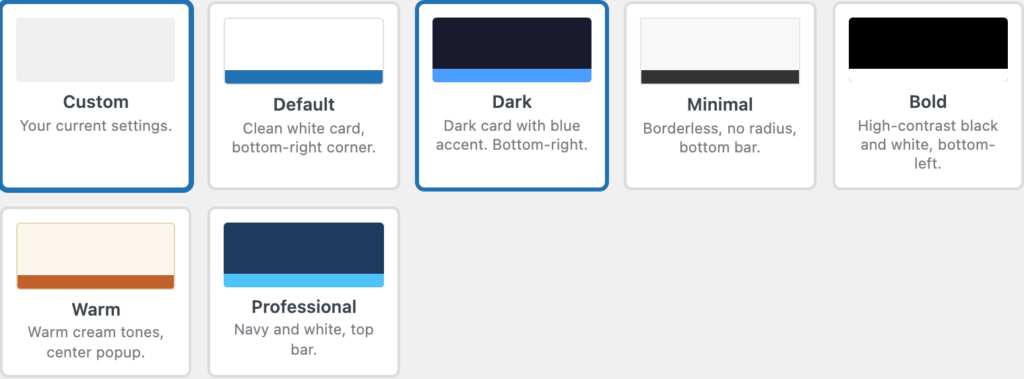
ClearConsent ships with banner templates and a light/dark scheme on every plan. ClearConsent Pro adds full control over colours, fonts, dimensions, and mobile layout so the banner matches your brand exactly.
Start from a template
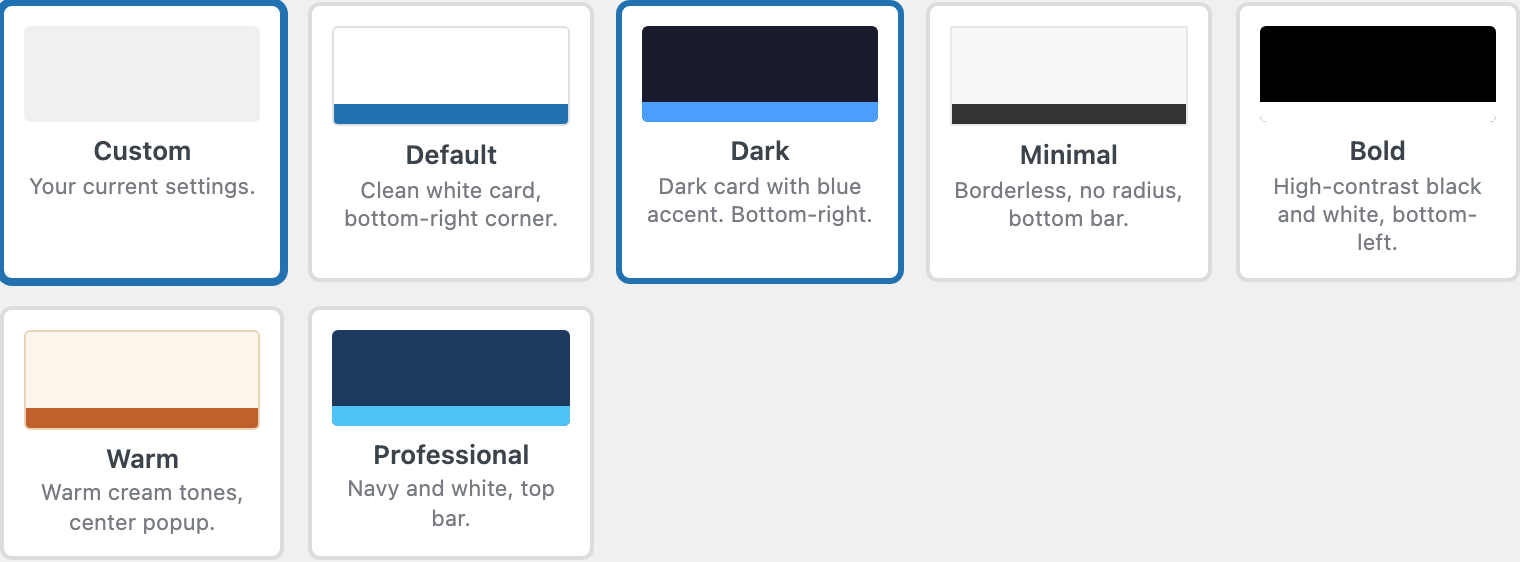
Go to Settings → ClearConsent → Appearance and pick a starting template, then choose the light or dark scheme. This much is available free and gives you a tidy banner out of the box.
Match your brand colours (Pro)
With Pro you can set the banner background, text, and button colours, and adjust the corner radius and spacing so it sits naturally with your design.
Fonts and dimensions (Pro)
Pro lets you set the banner’s font and control its width and padding, so the type matches the rest of your site.
Mobile layout (Pro)
Tune how the banner appears on small screens — its position and size — so it’s readable without covering your content.