Keep a consent log
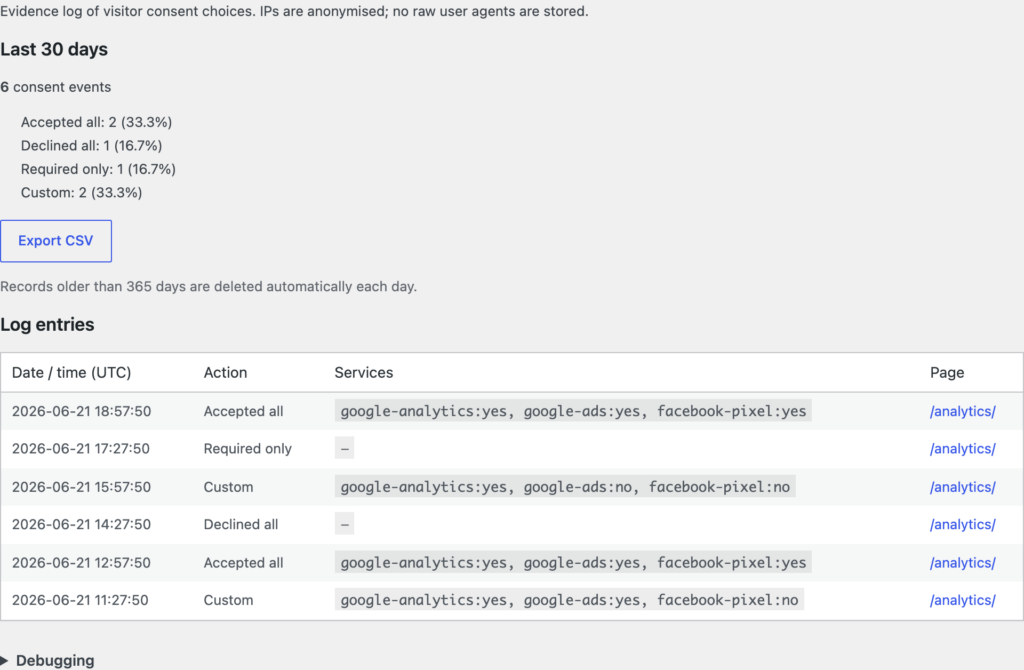
The consent log keeps a record of the choices visitors make on your banner, so you have a history of what was agreed and when.
View the log
Go to Settings → ClearConsent → Consent log. Each entry records the choice, the categories or services involved, and a timestamp.
What’s recorded
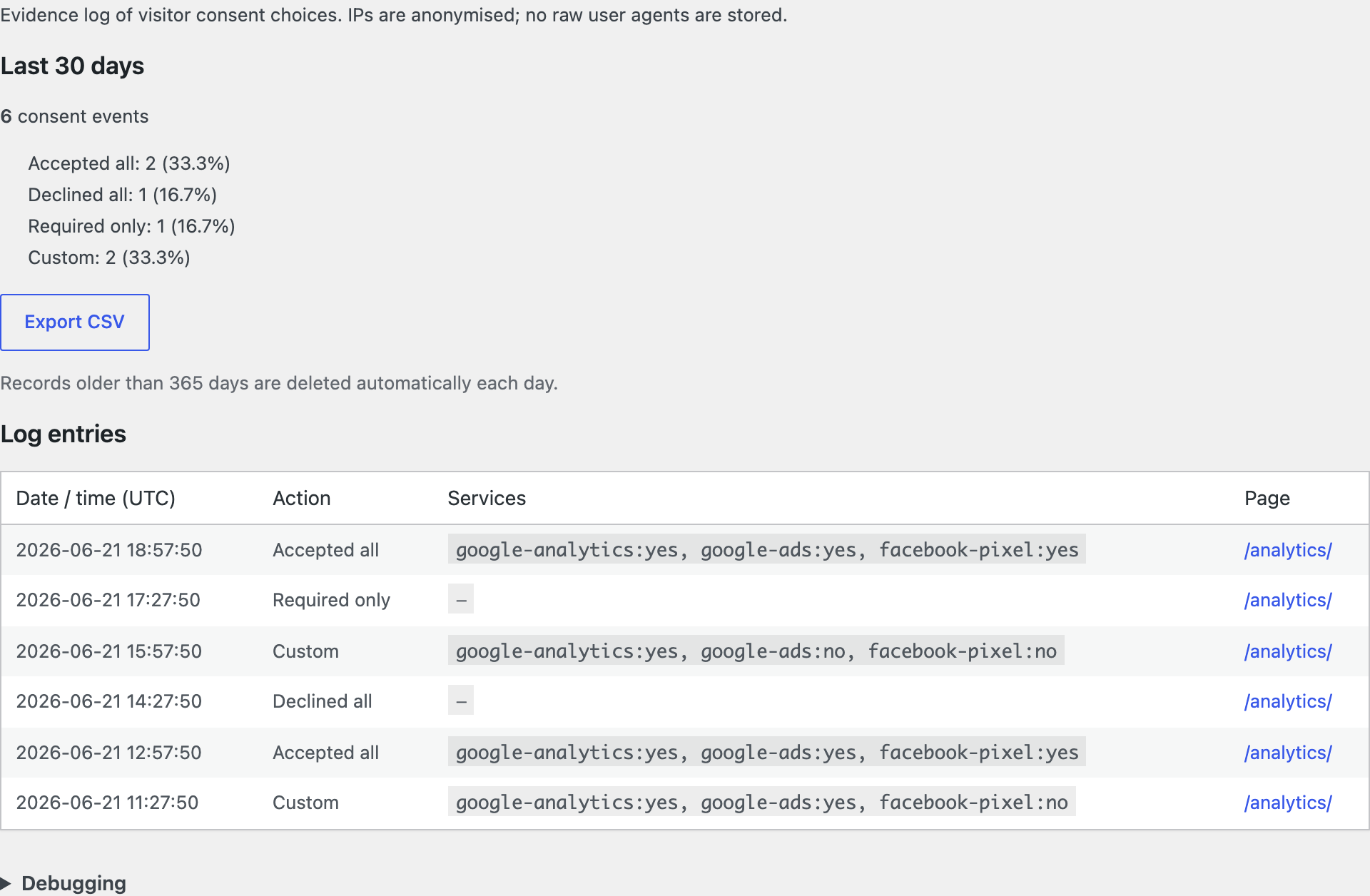
Entries capture the consent decision and when it happened. IP addresses are stored in an anonymised form (the final part is dropped) so you keep a useful record without holding a full address.
Export the log
You can export the log to CSV to keep your own copy or hand it to someone else for review. Open it in any spreadsheet tool.
Retention
You set how long entries are kept; older entries are removed past that window. Choose a retention period that fits how you want to manage the data.
The log records what happened on your banner. Whether you need to keep consent records, and for how long, depends on your own situation — ClearConsent gives you the record and the controls, but doesn’t determine your legal obligations.